THE COMPLETE GUIDE TO HARDWARE-ENCRYPTED USB DRIVES

Best Hardware-Encrypted USB Drives 2026 — Buying Guide & Reviews

USB flash drives are a massive security risk. From lost data to BadUSB attacks, unencrypted removable media is a liability. Here is the definitive guide to locking down your portable data.

By the Editorial Team Updated 2026 12 min read
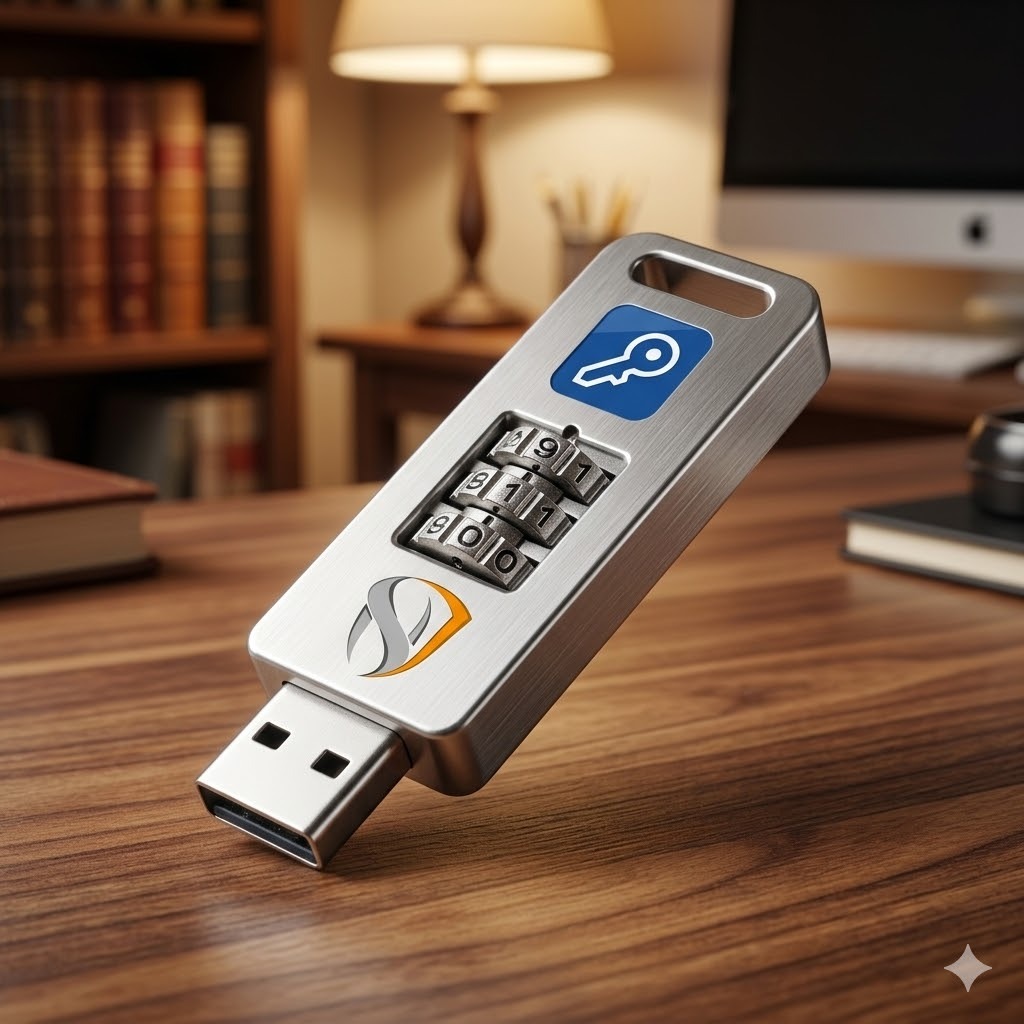
A secure hardware encrypted USB flash drive resting on a surface
Quick Answer

Why USB Drives Are a Major Security Risk

What is the best secure USB drive? True hardware-encrypted USB drives offer military-grade physical security but cost upwards of $100+ per drive. For most individuals and businesses needing cross-platform flexibility on standard, inexpensive thumb drives, using dedicated encryption software provides robust AES-256 protection without the hardware premium.

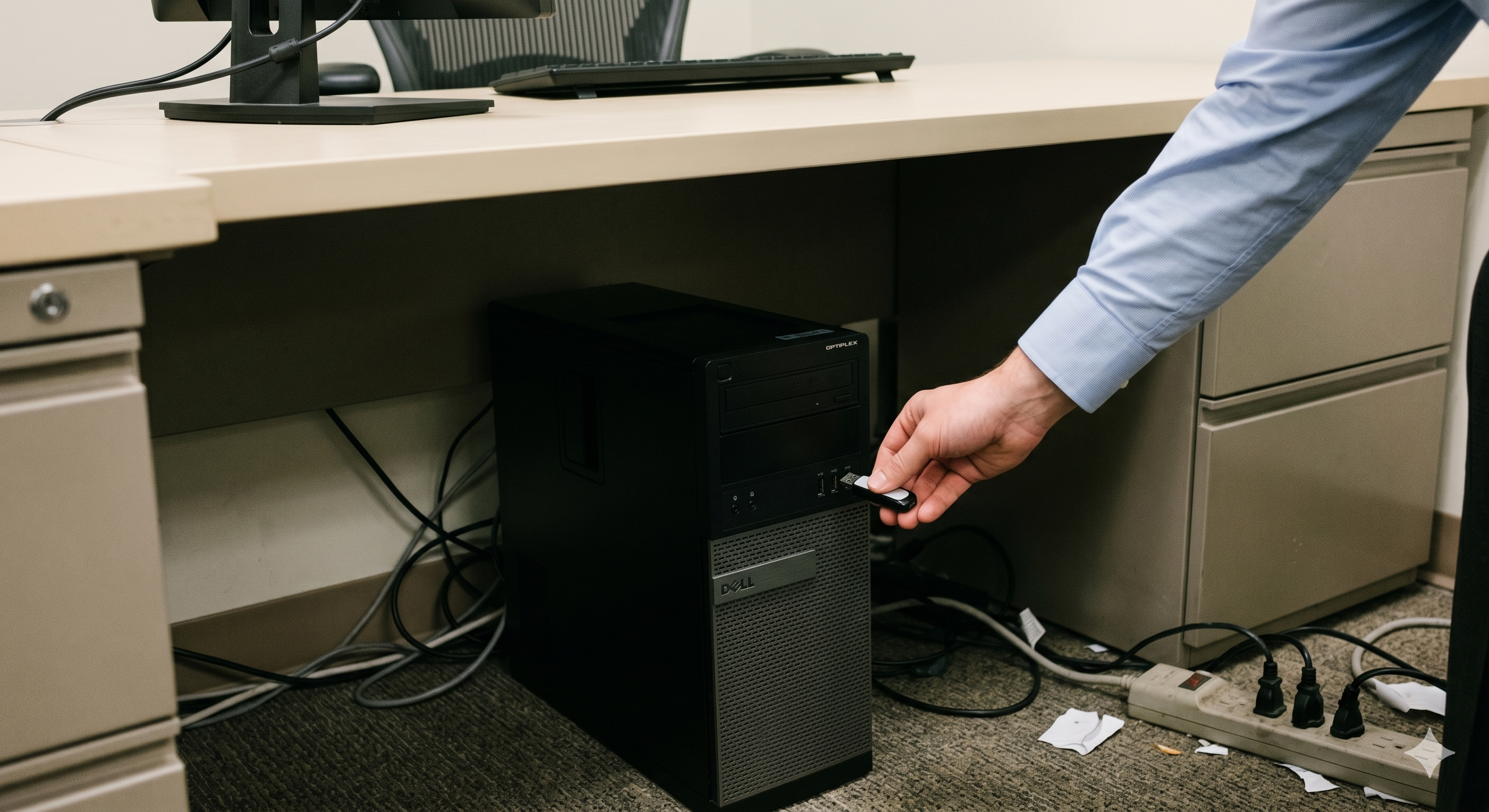
Portable storage is incredibly convenient, but that convenience comes at a steep price. Flash drives are easily lost, frequently stolen, and often plugged into untrusted public computers. Without proper protection, anyone who finds your lost thumb drive has immediate access to your financial records, client data, or personal photos.

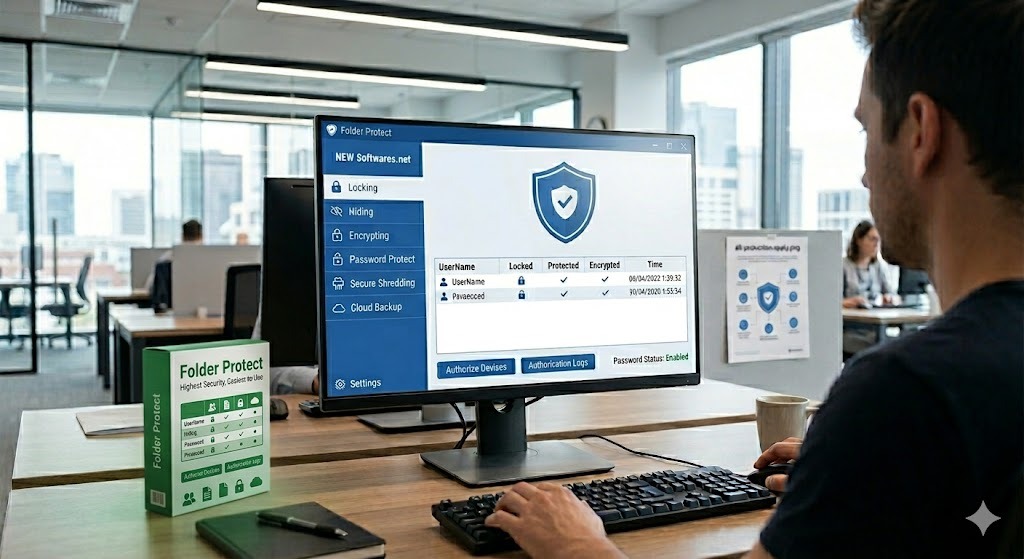
A computer monitor displaying a digital shield representing data security
Illustration of preventing data theft from external devices
Interactive Tool

USB Security Risk Assessment

Not sure what level of protection you need? Answer three quick questions to find your risk profile.

What type of data are you storing on your USB drives?

Step-by-step methods

Best Secure USB Drives: How to Protect Your Data

When searching for the best encrypted USB drive, you will quickly discover distinct approaches. Here is how you can encrypt a USB drive based on your needs.

Hardware Encrypted USB Drives (FIPS 140-2)

Hardware-encrypted USB drives feature a dedicated cryptoprocessor (often a TPM chip). The encryption keys are generated and stored directly on the device, meaning the host computer never sees them. Brands like Kingston (IronKey), Apricorn (Aegis), and iStorage (datAshur) dominate this space.

  • Best For: Government workers, enterprise IT, users needing strict regulatory compliance.
  • Security Level: Very High (Physical tamper evidence).
  • Limitations: Very expensive ($80 - $300+ per drive). Cannot convert your existing flash drives.

BitLocker to Go

If you use Windows Pro or Enterprise, you have access to BitLocker to Go. This is a built-in feature that allows you to encrypt external drives securely.

  • Best For: Windows-only environments where users already have Pro/Enterprise licenses.
  • Security Level: High.
  • Limitations: Not available on Windows Home edition. Poor cross-platform support. Recovery keys are easily lost.

Portable USB Security Software

The most flexible approach is using dedicated encryption software for USB drives. This software creates a secure, password-protected environment on any standard flash drive. Because the software sits on the drive itself, it works on any computer you plug it into using AES-256 bit encryption.

  • Best For: Everyday users, students, and businesses who want to secure standard thumb drives.
  • Security Level: High.
  • Limitations: Relies on the host computer's OS for execution.
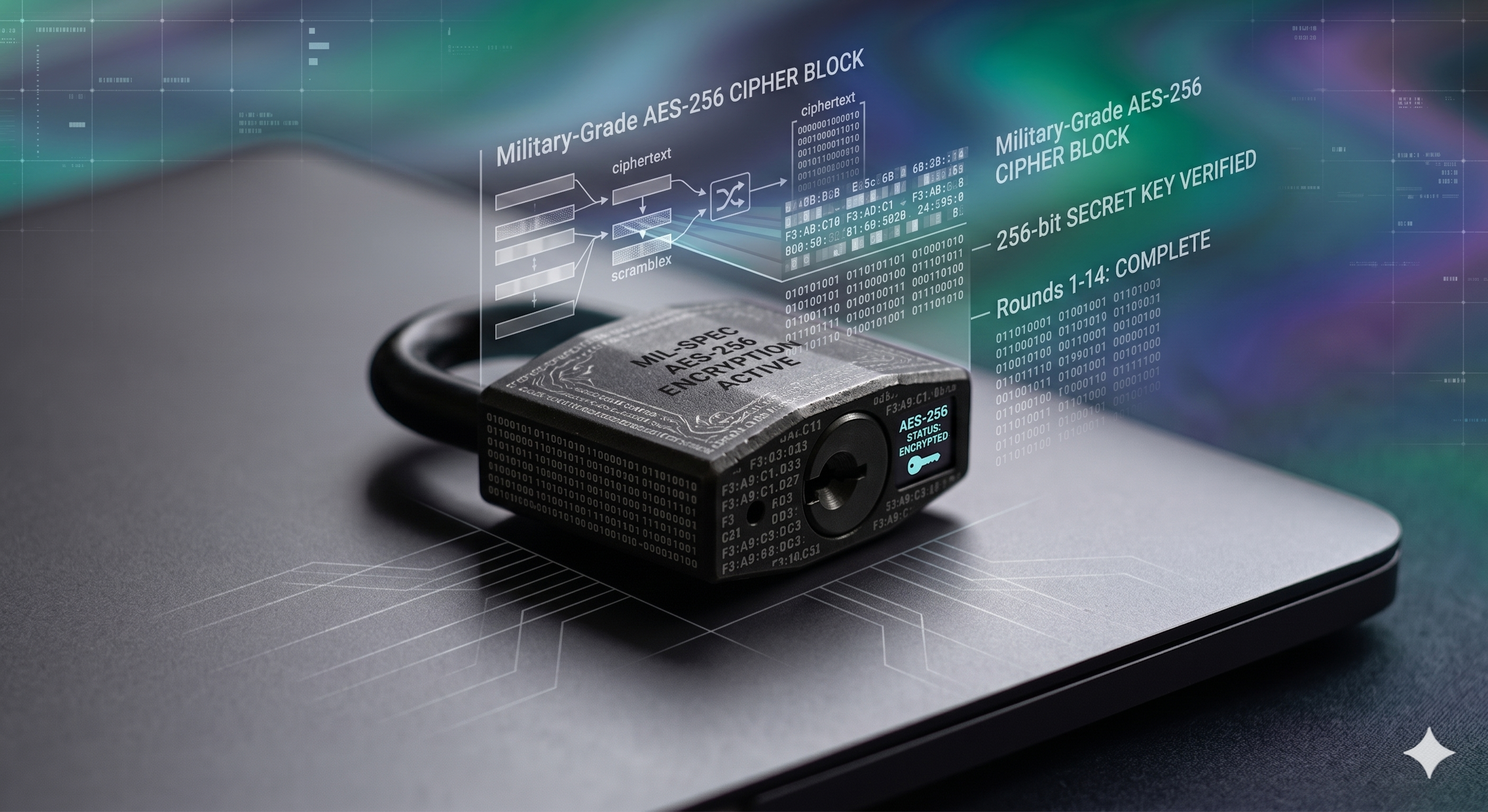
A shield icon indicating Military Grade AES 256 Encryption
Screenshot of the USB Secure password input dialog box
Our Top Recommendation

The Tool We Recommend for Most Users

Of all the options we covered, hardware drives are too expensive for bulk use, and BitLocker is too restrictive across platforms. For securing standard flash drives, we recommend USB Secure.

Developed by NewSoftwares.net, USB Secure allows you to password-protect your existing drives without buying expensive new hardware. Portable password protection for any USB drive. No installation required on the guest PC.

Hardware Independent

Works natively across FAT32, NTFS, and exFAT file systems on any brand of flash media.

Virtual Drive Viewing

Mounts a temporary virtual container to let you read documents safely without fully unlocking the entire drive.

Good Samaritan Screen

Displays a Lost & Found contact screen to whoever finds a lost drive, while keeping the data cryptographically walled off.

Step by Step

How to Password Protect a USB Drive

If you choose the software route, here is how you can use Windows to encrypt a USB drive using a portable app like USB Secure. The process takes less than two minutes.

Plug in your drive and run the installer

Connect the thumb drive you want to protect. Run the USB Secure setup file. Crucially, the installer will detect your external drive and install the application directly onto the USB, not your computer's hard drive.

Set your master password

Open the drive in Windows Explorer and double-click the USB Secure executable. You will be prompted to set and confirm a strong master password. This is the only key to access your files.

Lock your files

Once inside the interface, simply select "Lock" to secure the entire drive. The contents will vanish from normal view, protected by the software interface.

Use it on any computer

Take the drive to a library, a client's office, or a hotel business center. When you plug it in, you don't need to install anything. Just click the app on the drive, enter your password, and your files unlock.

Critical Uninstallation Warning: If you ever decide to remove security software from your thumb drive, you must decrypt and unlock all of your folders beforehand. Deleting the application while files are still in their secured, hidden state can result in permanent data loss.
Illustration showing the steps to secure a digital folder
Feature Hardware Drive USB Secure
Cost per 64GB $80 - $150+ Standard Drive + Software
Portability Excellent Excellent
Protection Type Physical TPM / AES Software Access Control
Tamper Proof Yes (Epoxy coated) No
Our Verdict Best for extreme compliance. Best for everyday users.
Head-to-head

Hardware vs Software Encryption

A laptop on a desk emphasizing the need for shared PC security
Cost breakdown

Free Encryption vs Paid Software

Are free tools enough? Tools like VeraCrypt are incredibly powerful and completely free, but they come with a steep learning curve and lack true portability (requiring admin rights to run on guest PCs).

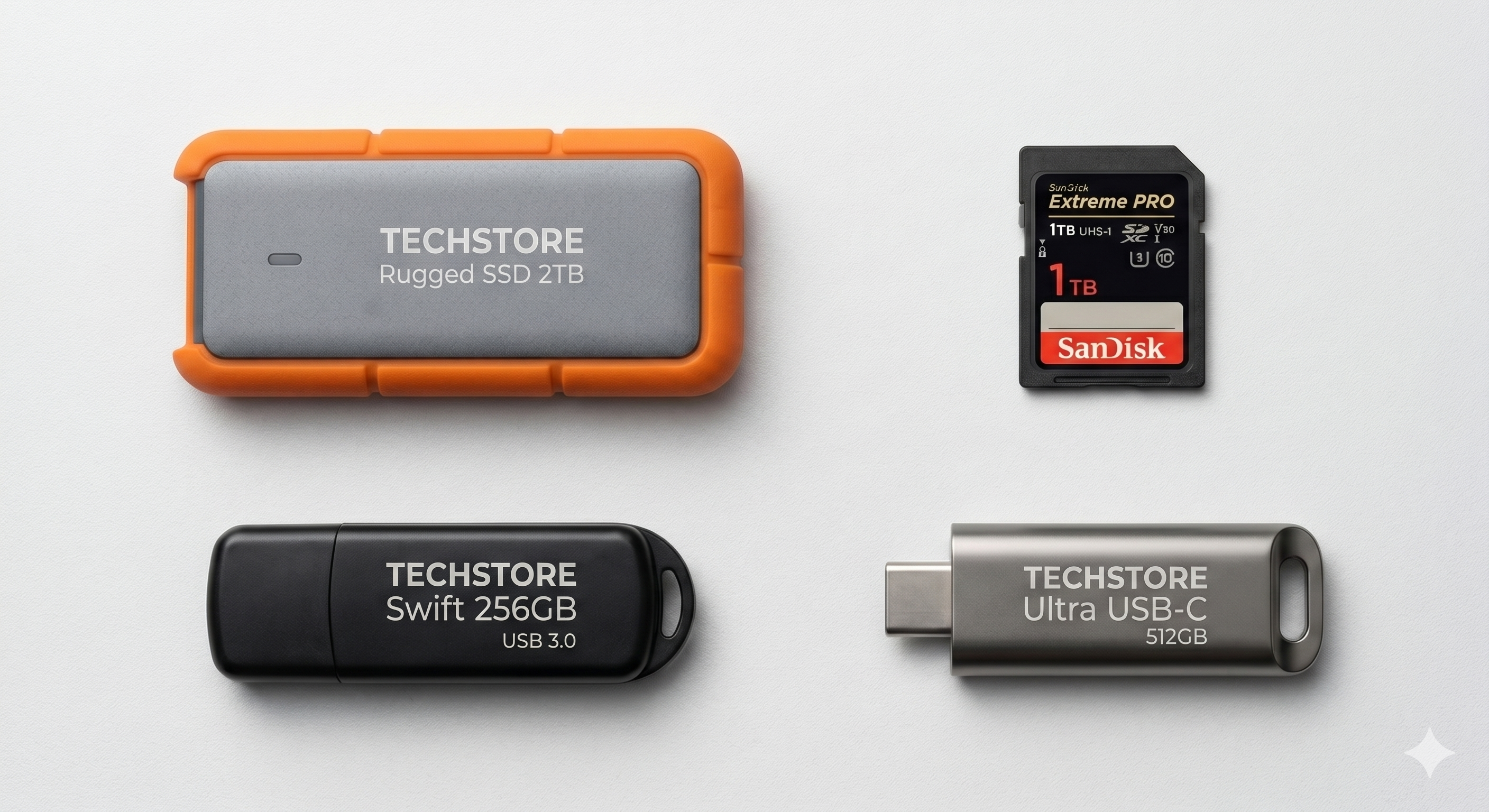
A collection of portable storage media devices like USB drives and SD cards
One-Time
Annual
Troubleshooting & Questions

Frequently Asked Questions

How do hardware-encrypted USB drives work? +

Hardware-encrypted drives contain a dedicated cryptographic processor embedded in the device. When you save a file, this chip automatically encrypts the data using AES-256 bit encryption before it hits the flash memory. Access is typically granted via a physical keypad on the drive itself.

Can a virus spread through a password-protected USB drive? +

Yes, if the drive is unlocked. Encryption protects data from being read by unauthorized people, but if you unlock the drive on an infected computer, a virus can still write itself to the unencrypted partition. Always use updated antivirus software on host machines.

Is there a way for someone to return my lost encrypted drive? +

Premium third-party tools like USB Secure feature a "Save Lost And Found Info" screen. You can configure the software to display a designated phone number or email address the moment the drive is plugged into a foreign computer, while the underlying documents remain entirely inaccessible.

Can IT administrators set up a backup password for employees? +

Yes. When deploying software like USB Secure across a corporate environment, administrators can enable a secondary "Master Key" during the initial setup in the Options menu. This ensures that if a staff member abruptly departs the company or forgets their daily PIN, the IT department retains a universal credential to salvage the company's portable assets.

Conceptual image representing password protection and cybersecurity
Reader Case Studies

How Professionals Secure Their Data

"Carrying proprietary client audits on a basic thumb drive always felt like a massive liability. Being able to secure standard flash storage without needing the client's IT department to grant me administrator privileges has completely streamlined my workflow."

Jonathan S.
Independent Auditor

"The ability to isolate and read a single encrypted spreadsheet through a temporary virtual viewer is brilliant. If someone yanks the drive out of the hub while I'm looking at it, I don't have to panic about the entire encrypted volume getting corrupted."

Elena M.
Financial Analyst
A high resolution boxshot of the USB Secure software product
The Bottom Line

Our Verdict on USB Drive Security

If you work in defense or high-level finance, invest in a dedicated, keypad-authenticated hardware encrypted USB drive. For everyone else looking to secure passwords, personal files, and client data on standard flash drives, software encryption is the practical choice.

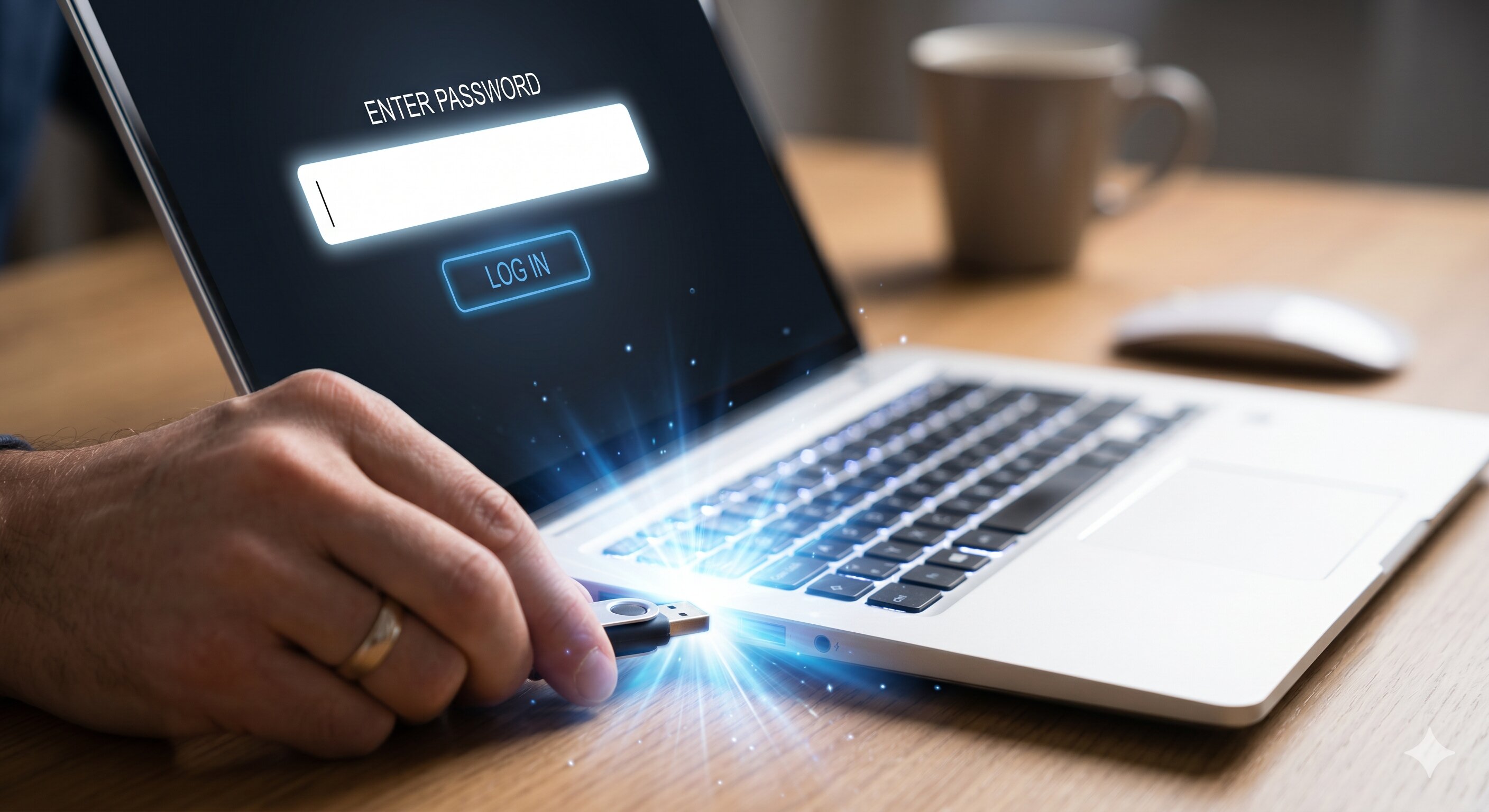
A USB drive plugged into a laptop demonstrating plug and play features